Octo Vantage1.1.0
Publisher Description
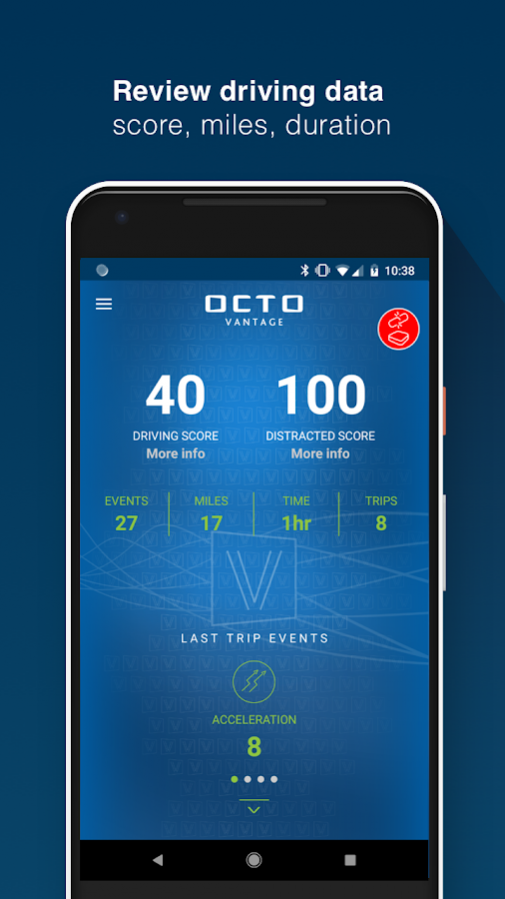
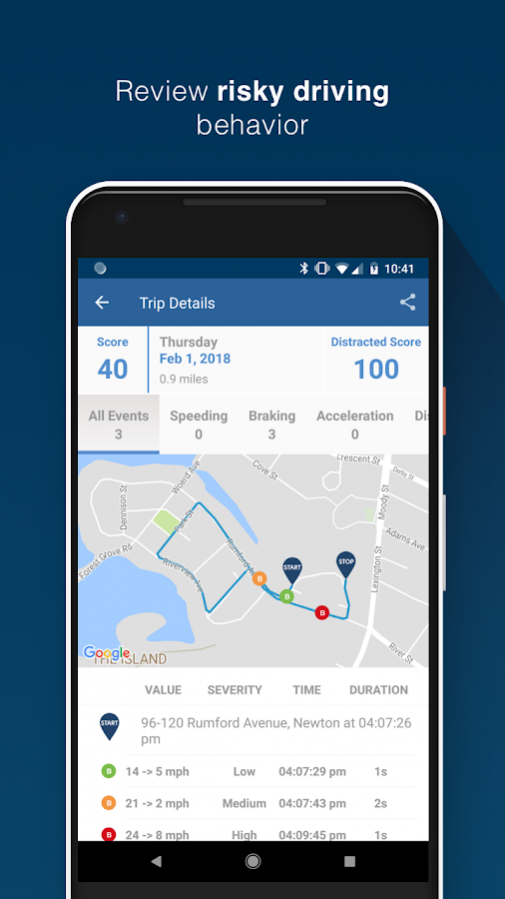
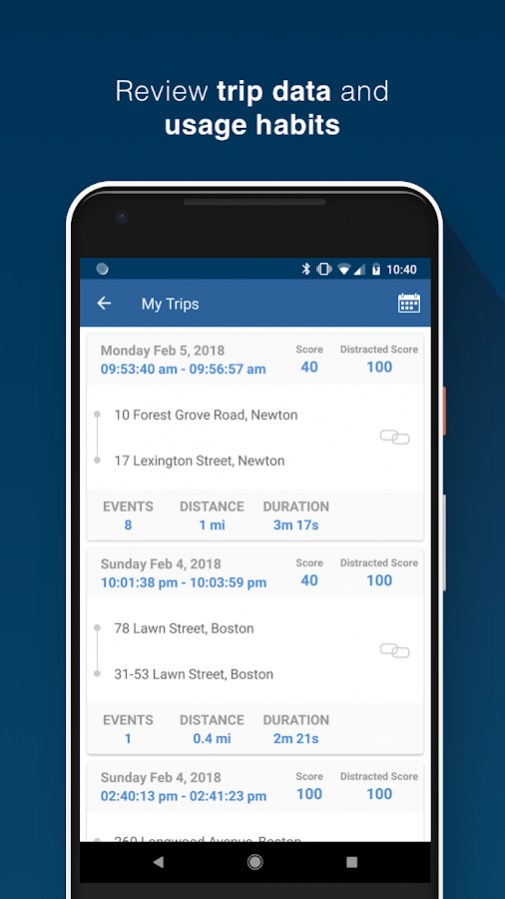
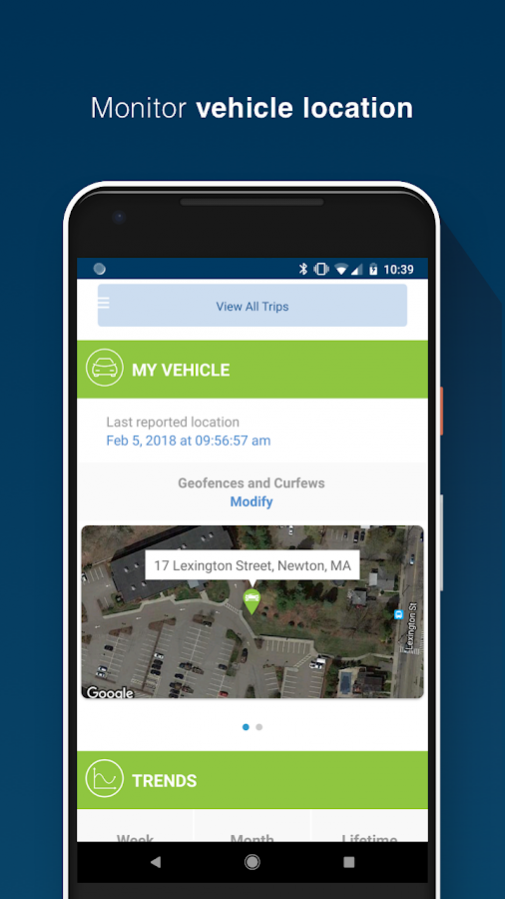
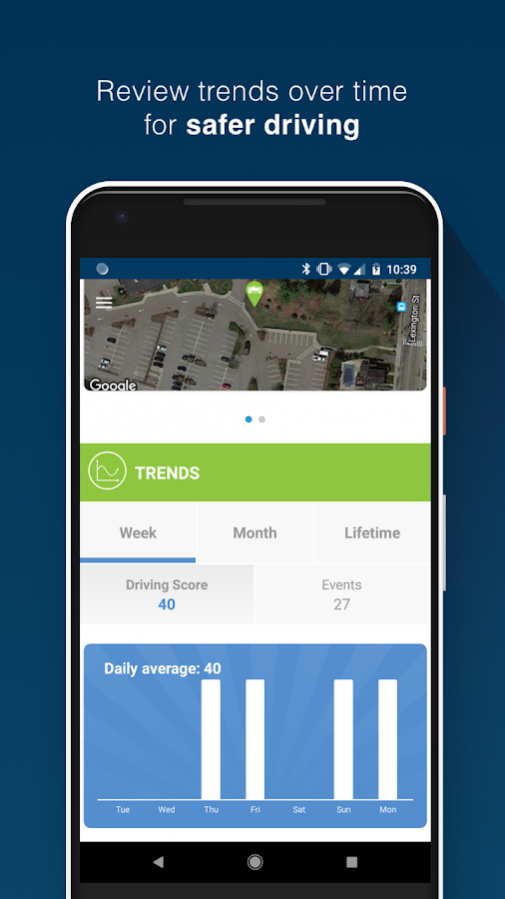
Vantage is the smartphone-based telematics solution that utilizes the Octo mobile app and a smart tag to monitor and score driver behavior. It provides insurers with the capabilities needed for usage-based insurance (UBI), distracted driving monitoring, crash and claims management, and value-added policyholder services while avoiding the lost trip and smartphone battery issues inherent in smartphone-only telematics programs. Vantage is the smartphone insurance telematics solution designed to improve your personal auto lines profitability.
IMPROVE RISK MODELING WITH UBI
Price policyholders more accurately and competitively by augmenting risk pricing models with individual driving behaviors that correlate with loss such as hard braking, rapid acceleration, and distracted driving.
ATTRACT AND RETAIN POLICYHOLDERS
With increased customer engagement, more transparent pricing, an improved claims experience, and value-added services, our telematics solutions improve policyholder acquisition, retention, and satisfaction rates.
REDUCE CLAIM COSTS
Our proprietary crash detection algorithms deliver insights to streamline your claims process, minimize fraud, reduce your risk of loss, and provide greater value to policyholders in the event of an accident.
About Octo Vantage
The company that develops Octo Vantage is Octo Telematics North America. The latest version released by its developer is 1.1.0.
To install Octo Vantage on your Android device, just click the green Continue To App button above to start the installation process. The app is listed on our website since 2018-02-20 and was downloaded 21 times. We have already checked if the download link is safe, however for your own protection we recommend that you scan the downloaded app with your antivirus. Your antivirus may detect the Octo Vantage as malware as malware if the download link to com.octousa.vantage is broken.
How to install Octo Vantage on your Android device:
- Click on the Continue To App button on our website. This will redirect you to Google Play.
- Once the Octo Vantage is shown in the Google Play listing of your Android device, you can start its download and installation. Tap on the Install button located below the search bar and to the right of the app icon.
- A pop-up window with the permissions required by Octo Vantage will be shown. Click on Accept to continue the process.
- Octo Vantage will be downloaded onto your device, displaying a progress. Once the download completes, the installation will start and you'll get a notification after the installation is finished.
Program Details
System requirements
Download information
Pricing
Version History
version 1.1.0
posted on 2018-02-20
-General fixes and stability improvements
-Fixed nighttime card shading for trips
-Fixed start of trip jump / false events
-Improved time to get back to dashboard after app is killed
-Fixed geofence radius issues
-Updated tag connected icon on trip cards
-Added Bluetooth filtering for improved scanning/ connecting
version 2.1.2
posted on 2016-12-21
- Faster data transmission,- Improved installation process for vehicles 2006 and older,- Improved diagnostics alerts
